
What the phone is
Model, serial, colour, storage and memory. Battery cycles against design capacity.
Plug it in over USB. PhoneGrade reads the parts, battery and locks, runs fifteen guided tests on iPhone or Android, then prints the grade, label and report. The optional cloud portal keeps the history and settings in sync.
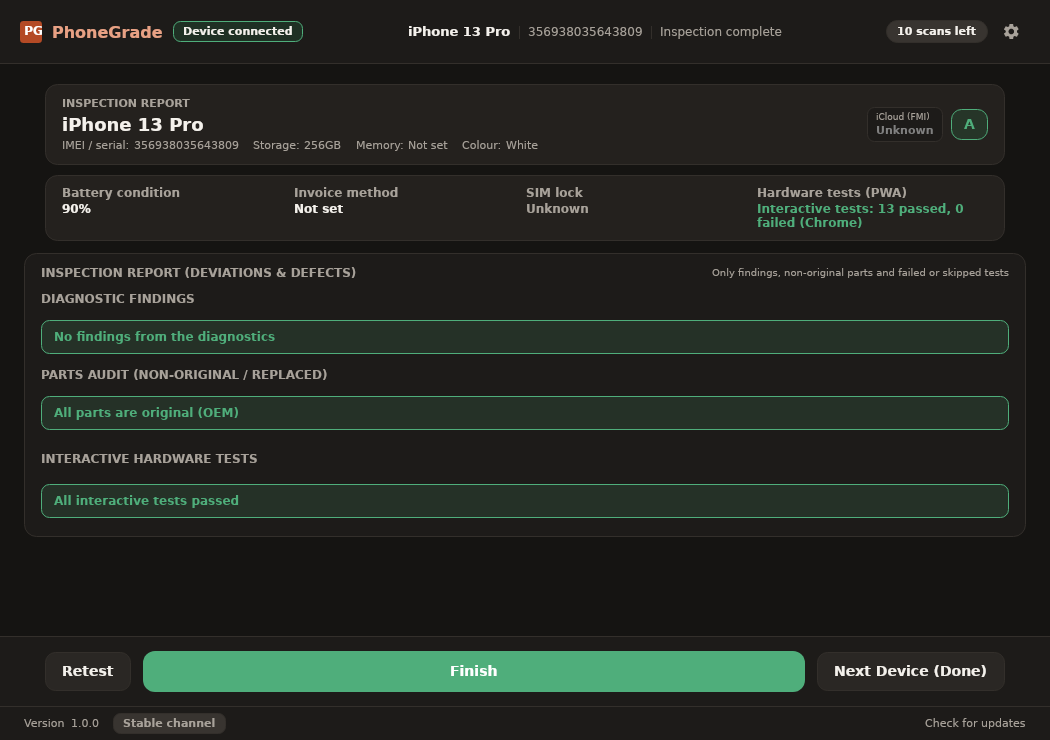
Every value comes from the device over USB, or from its own hardware answering a test.
Model, serial, colour, storage and memory. Battery cycles against design capacity.
Activation lock and Find My from four sources, plus carrier and SIM status.
Nine components on iOS, five integrity signals on Android.
A 112 cell touch grid, then five full screen colours.
Earpiece and speaker, every camera lens, sensors, GPS and vibration.
iOS panic logs matched against a repair rule set.
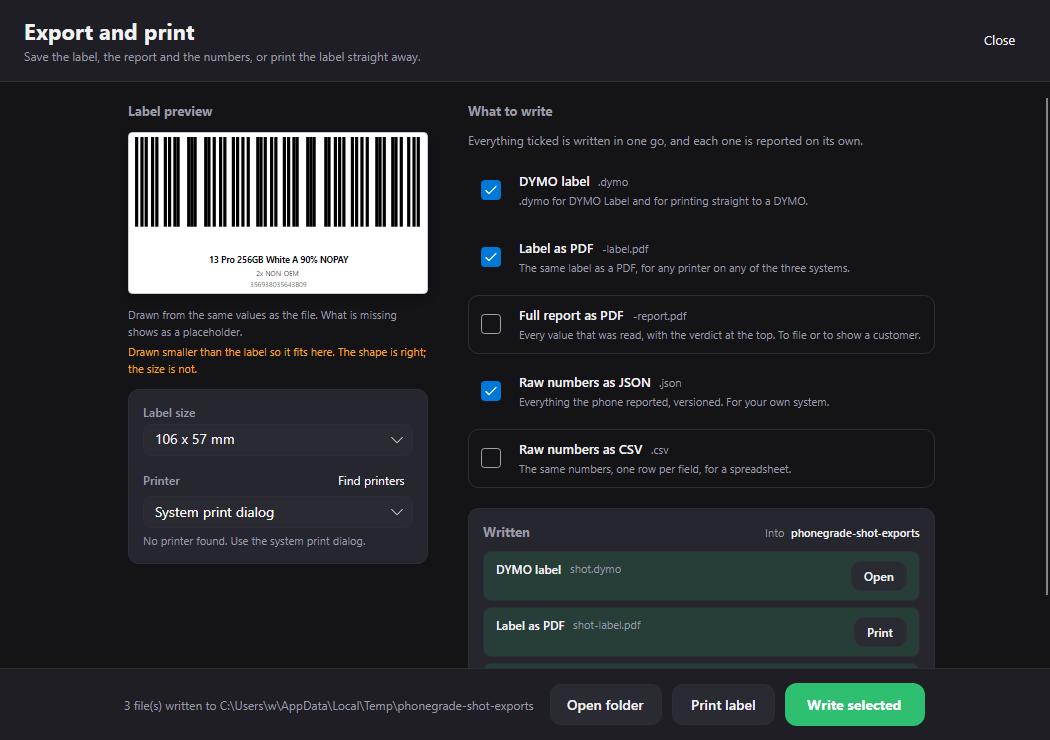
A grade, a label and a report, in your language.
A customer report, a shelf label and a local audit record.
The operator holds the phone. Each test asks for one thing and returns a result the desk can read.
A refused read is reported as refused. It never becomes an empty field or a pass.
Newer iOS versions withhold some component serials. PhoneGrade marks those parts unknown.
Denied browser permission is recorded as refused, not as a defect.
Missing APIs are noted on the report and never change the grade.
Camera and microphone streams stay on the handset. Only results reach the PC.
One window. Four steps.
iPhone, iPad or Android, read in seconds. Android gets a setup walkthrough when needed.
The native tester on Android and iOS runs the core suite plus native-only checks. The browser fallback runs the core suite. The results return to the desk.
Pick A, B or C. The report lists what was wrong, then the label and report print.
One click clears the session. Unplug mid test and the run resumes.
The desktop app is the product. The phone app is the guided test surface. The portal is optional.
Windows, macOS and Linux. Reads over USB, runs the diagnostics, grades the phone and writes the label, report and audit file.
The desktop installer includes the Android tester and the iOS App Store bridge. The guided tests run on the phone, so the operator can test the screen, cameras, speakers and sensors in hand.
Optional. Report history, shared shop settings, seat management and a dashboard for the owner. Local-first: the app works fully without it.
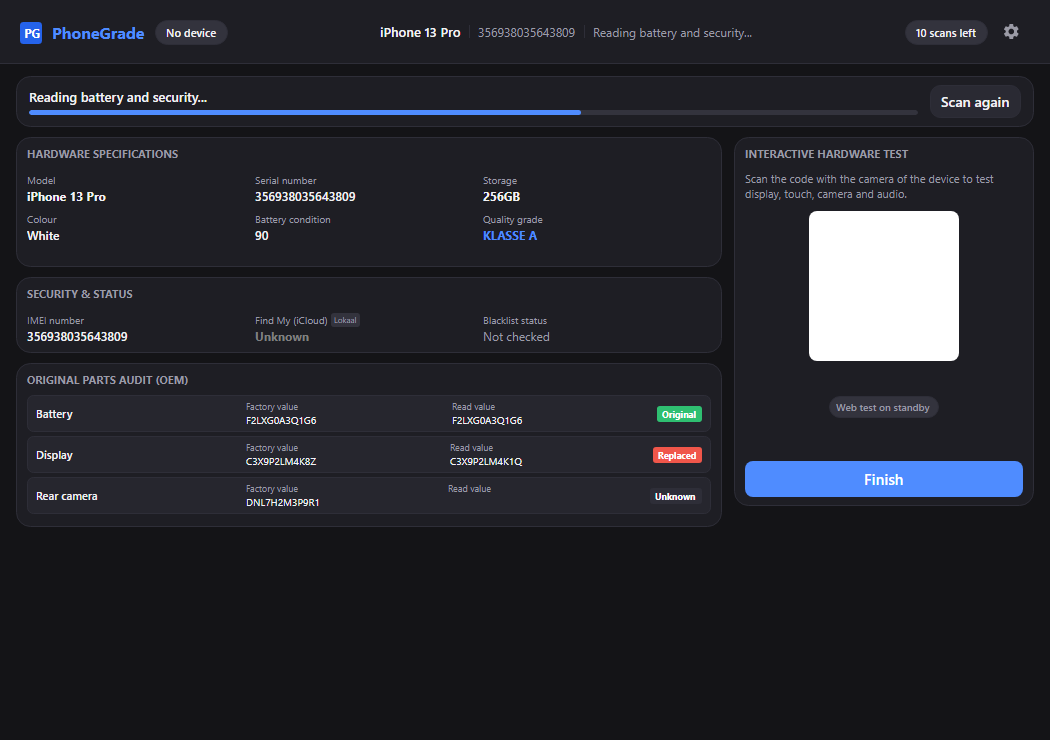
The native tester on Android and iOS, or the browser fallback, walks the operator through the suite. The desk sees each result as it lands.
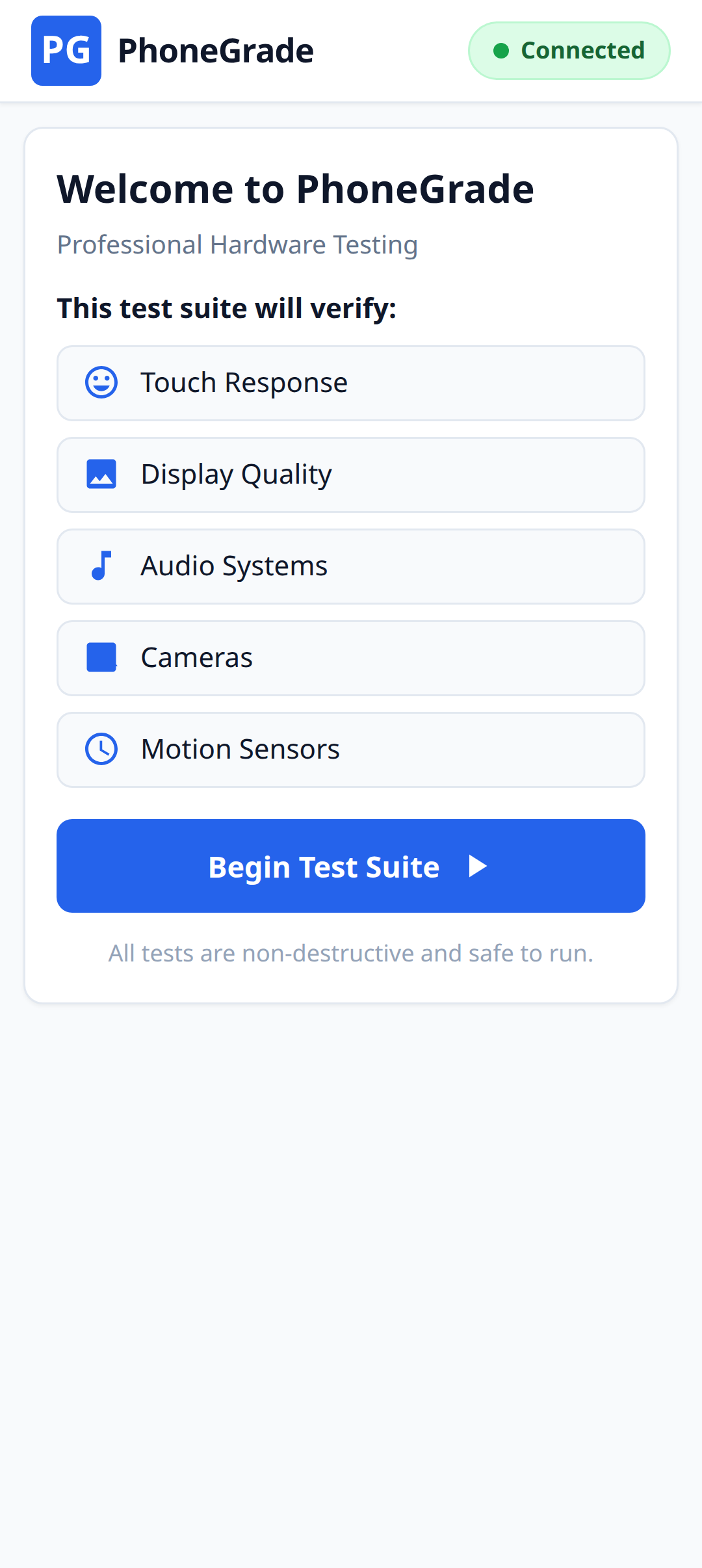
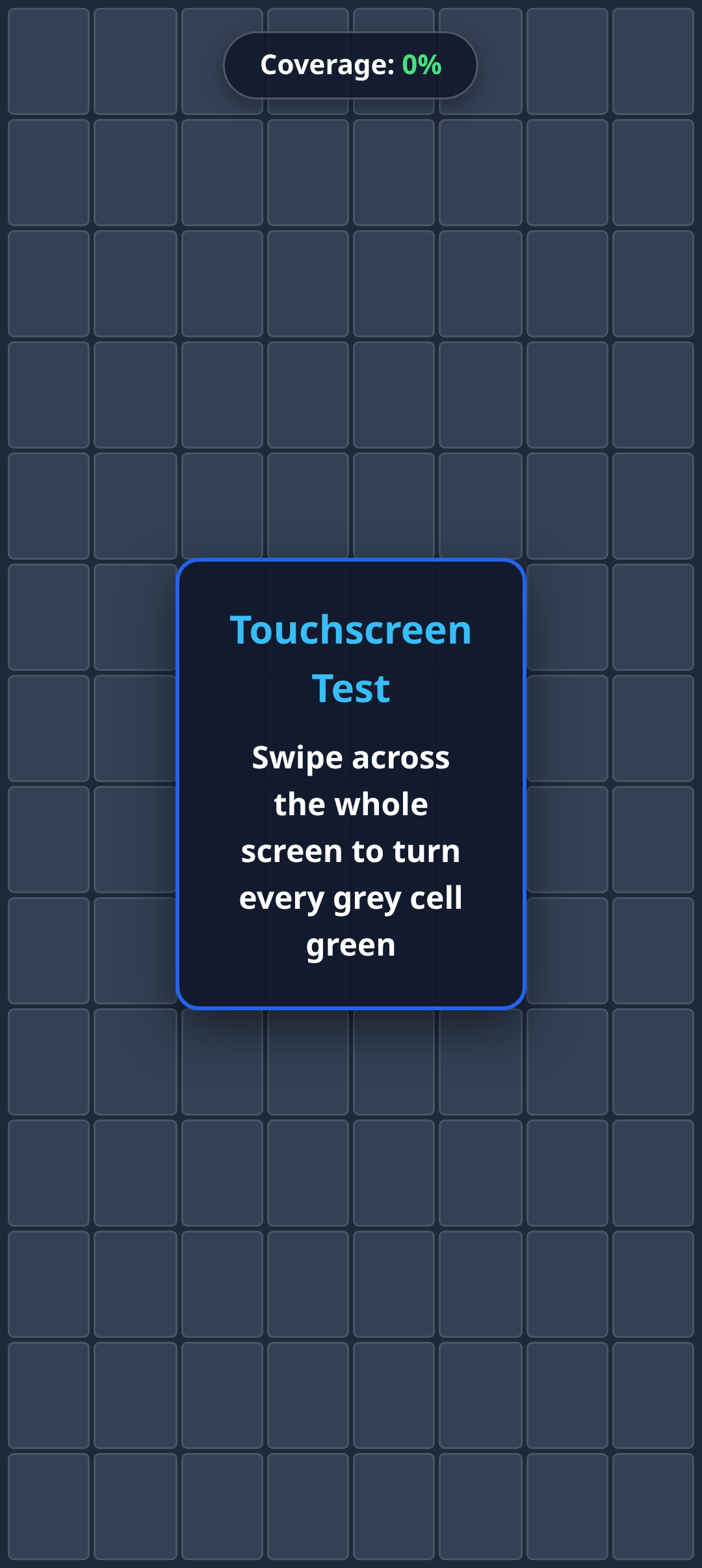
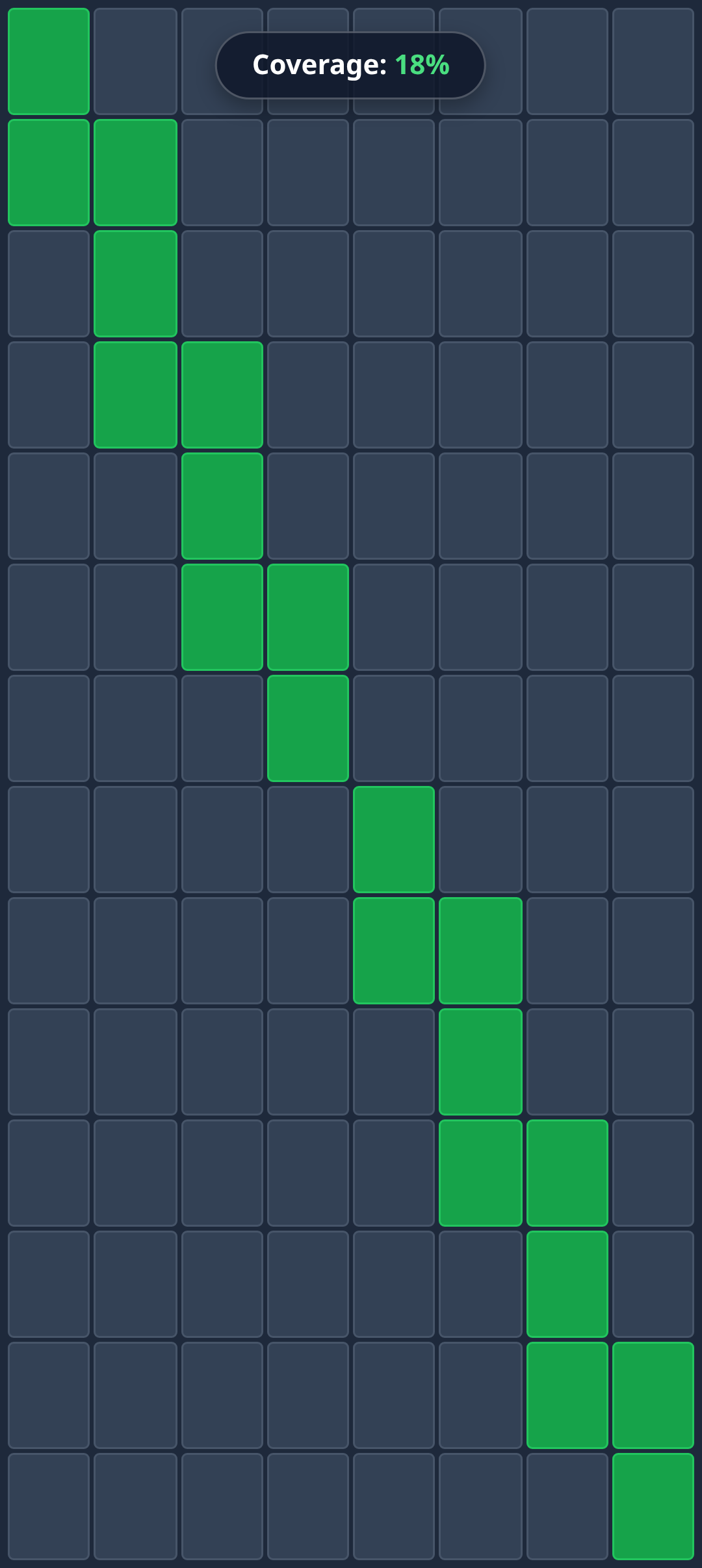
The native tester also checks the earpiece, proximity sensor, biometrics, NFC, Wi-Fi, Bluetooth, charging and eSIM. The browser fallback runs the core suite.
The customer report states the grade, the replaced parts and the tests the phone could not answer.
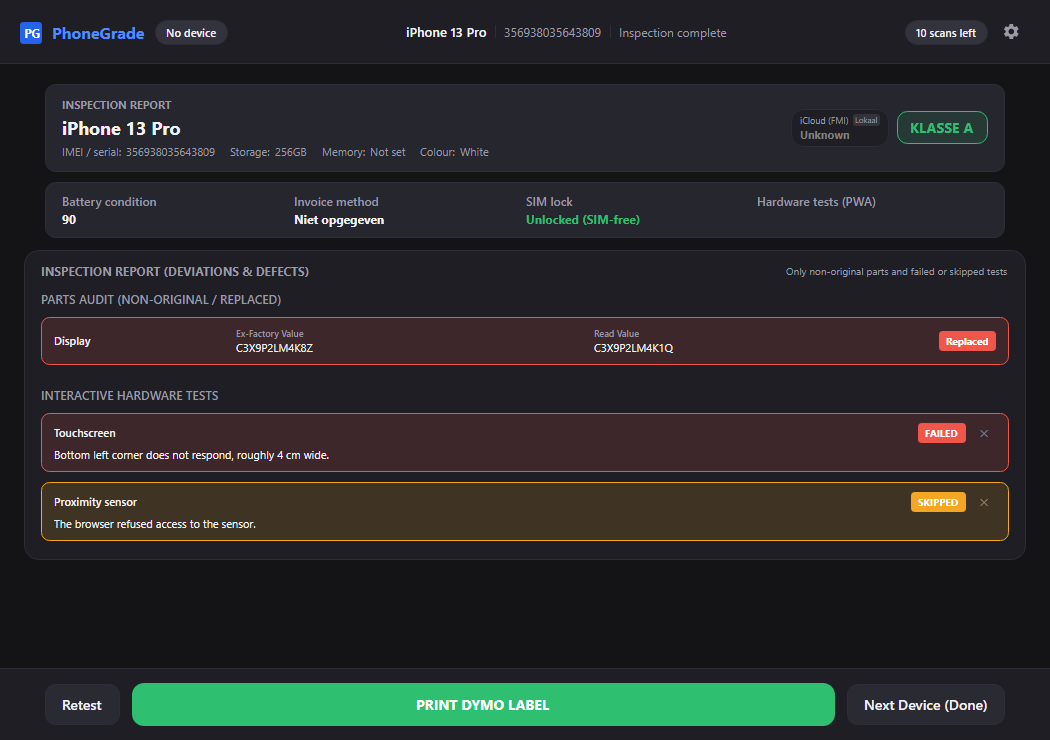
The finished report: grade A, one replaced screen, one skipped test.
Ten scans free, no account. Then one annual price per shop, with the optional cloud portal included.
€0
€399
€799
Scan a phone as often as you need before you sell it.
IMEI and blacklist checks use your own imei.info key.
Your computer, your data. Use the cloud portal if you want history and shared settings; leave it off if you do not.
No card, no account, no sales call.
Missed a feature? feedback@phonegrade.app